Now Reading: Battlefield 6 Packet Loss Test Live – Check 19+ Regions
- 01
Battlefield 6 Packet Loss Test Live – Check 19+ Regions


If your Battlefield 6 matches are plagued by rubber-banding, shots that refuse to register, or that frustrating desync where enemies seem to teleport mid-fight, a standard speed test is not going to point you to the real cause.
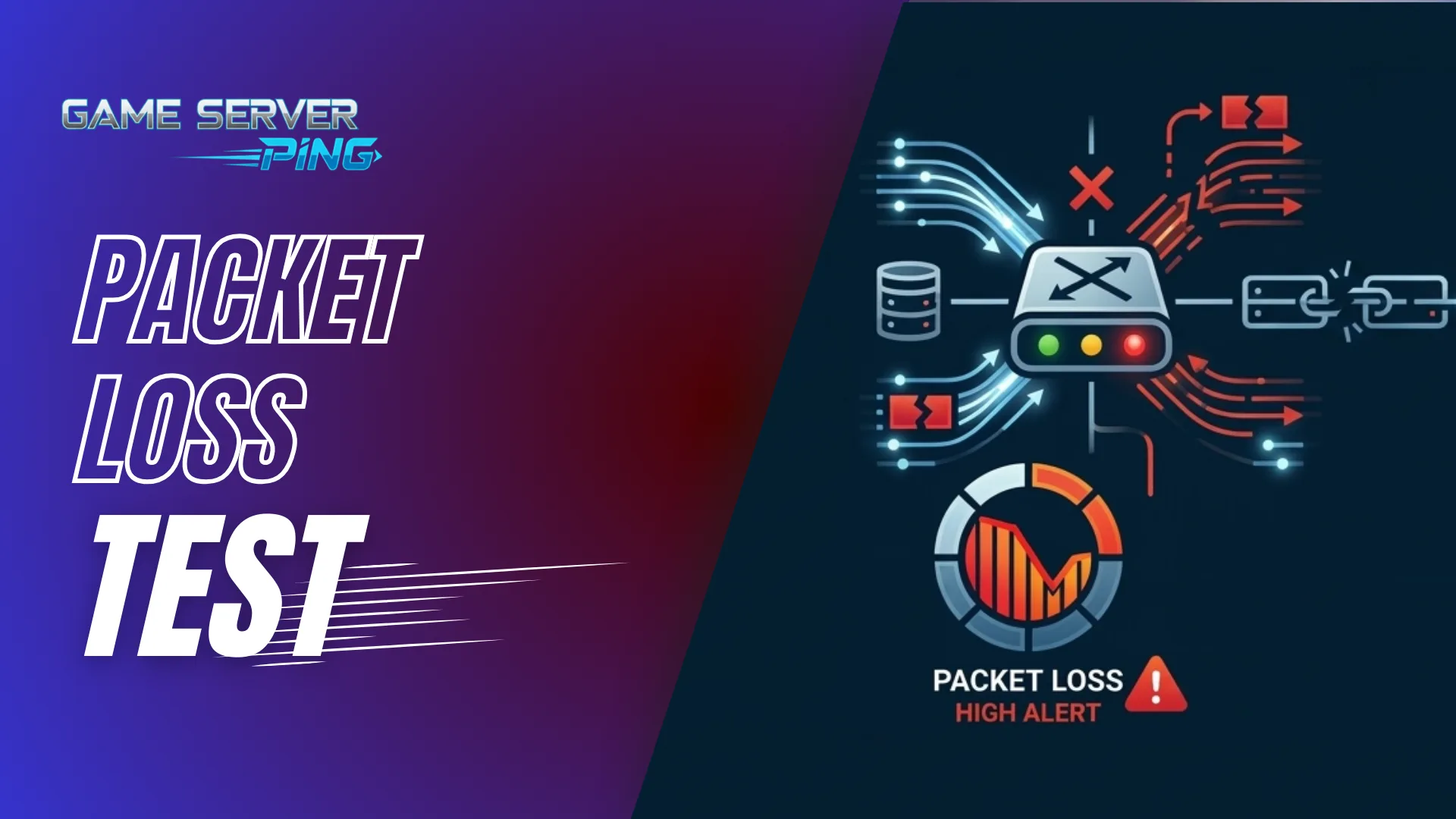
What actually matters is whether your packets are reaching BF6 servers cleanly, and that is exactly what this packet loss test is built to show you.
Before diving into your results, it is worth making sure your foundation is solid first. You can run a dedicated gaming speed test to confirm your throughput is healthy, check how your ISP performs for gaming traffic specifically, and use the internet speed calculator for gaming to see whether your current plan is genuinely suited to competitive play.
Once those are confirmed, this Battlefield 6 packet loss test gives you the next layer of information — a live diagnostic of your connection quality against all 20 major BF6 server regions simultaneously, directly from your browser. No downloads, no account, no setup required. Just an accurate real-time picture of how your network is actually performing against the servers you play on, whether you are on PC, Xbox, or PlayStation.
This Test the packet loss for the battlefied, that is different from ping test and server check. Below i have define the difference between packet loss test and Ping test. So don’t mix it with ping test or server check. This is purely Packet Loss test tool.
Run the Battlefield 6 Packet Loss Test Free Online
Diagnose your connection to every Battlefield 6 server region in real-time. Detects packet loss, latency spikes and jitter per region — the hidden causes of rubber-banding, hit registration failures and sudden disconnects.
LAG
Fix BF6 Packet Loss. Play Better.
ExitLag re-routes your Battlefield 6 traffic through optimised game paths — eliminating ISP packet loss, cutting ping, and ending rubber-banding. Free 3-day trial, no card needed.
Connection Grade
BF6 Diagnosis
| Time | Best Region | Best Ping | Overall Loss | Grade |
|---|---|---|---|---|
| No tests yet — run your first test above. | ||||
What Is a Packet Loss Test and Why Does It Matter for BF6
When your device communicates with a game server, it sends and receives a constant stream of small data packets. Every shot, every movement, every hit detection event travels this way. Packet loss is the percentage of those packets that never arrive. Even a loss rate of 2 to 3 percent is enough to produce visible desync, delayed actions, and the kind of hit registration failures that make BF6 feel broken when nothing else seems wrong on your end.
This is why so many players chasing answers about their BF6 packet loss end up frustrated after running a speed test. Speed tests measure raw throughput, not packet delivery reliability. Your connection could be sitting at 500 Mbps while 5 percent of your gaming packets silently disappear in transit. The game suffers. The speed test shows green. Nothing makes sense.
This packet loss test tool works differently. It sends a rapid sequence of lightweight probe requests toward each server region and records how many come back, how long each round trip takes, and how much the timing varies across the full sequence. That variation is your jitter, and jitter is just as destructive to Battlefield gameplay as outright packet loss because it creates unpredictable timing delays that make the game feel inconsistent even when your average ping looks perfectly fine.
How to Test for Packet Loss for Battlefield
A lot of players do not know where to start when it comes to testing packet loss for Battlefield specifically. The built-in network stats overlay in BF6 shows you a packet loss icon or symbol when the game detects an issue, but it only tells you something is wrong — it does not tell you where the problem is, how severe it is, or which server region is causing it.
This is where a dedicated tool like this one makes a real difference. To test your packet loss for Battlefield properly, all you need to do is open this page, choose your ping count and timeout setting, and hit the test button. The tool then probes all 20 BF6 server regions simultaneously and gives you a complete breakdown of packet loss percentage, average latency, and jitter per region within a couple of minutes.
The result tells you far more than the in-game indicator ever could. You can see exactly which regions are delivering clean connections and which ones are dropping packets, so you can make an informed decision about which server to connect to before you even launch the game. If you want to go further and check your raw latency per region alongside this, the Battlefield 6 ping test gives you a focused view of round-trip times without the packet health layer.
Why Am I Getting Packet Loss in BF6
This is one of the most common questions from Battlefield players and the answer is rarely straightforward. Packet loss in BF6 does not always come from your internet speed being too low or your ping being too high. There are several distinct causes and identifying the right one is exactly what this tool is designed to help with.
Wi-Fi Interference
Wireless connections operate on shared frequency bands subject to interference from neighboring networks, household devices, and physical obstructions between your device and the router. The result is sporadic packet loss that is essentially invisible in a speed test but produces exactly the kind of jitter and loss rates that destroy BF6 performance. Switching to a wired Ethernet connection eliminates this entire category of problem instantly.
ISP Routing
Your ISP may deliver strong speeds to its network peering points but take poor or inefficient routes to reach specific game server locations. This is why you might see clean results to EU West London but elevated loss to Frankfurt — the network path your traffic takes through the backbone is completely different for each destination. If your ISP consistently routes poorly to your preferred BF6 region the results from this packet loss test will make that pattern clearly visible across multiple runs.
Local Network Congestion
Too many devices competing for bandwidth during peak hours can manifest as packet loss rather than just slower speeds. If you are experiencing BF6 packet loss issues only during evenings or weekends home network congestion is a likely contributing factor. Understanding how much bandwidth your gaming sessions actually need versus what everything else on your network is consuming is something the game data usage calculator can help you map out accurately.
Server Region Mismatch
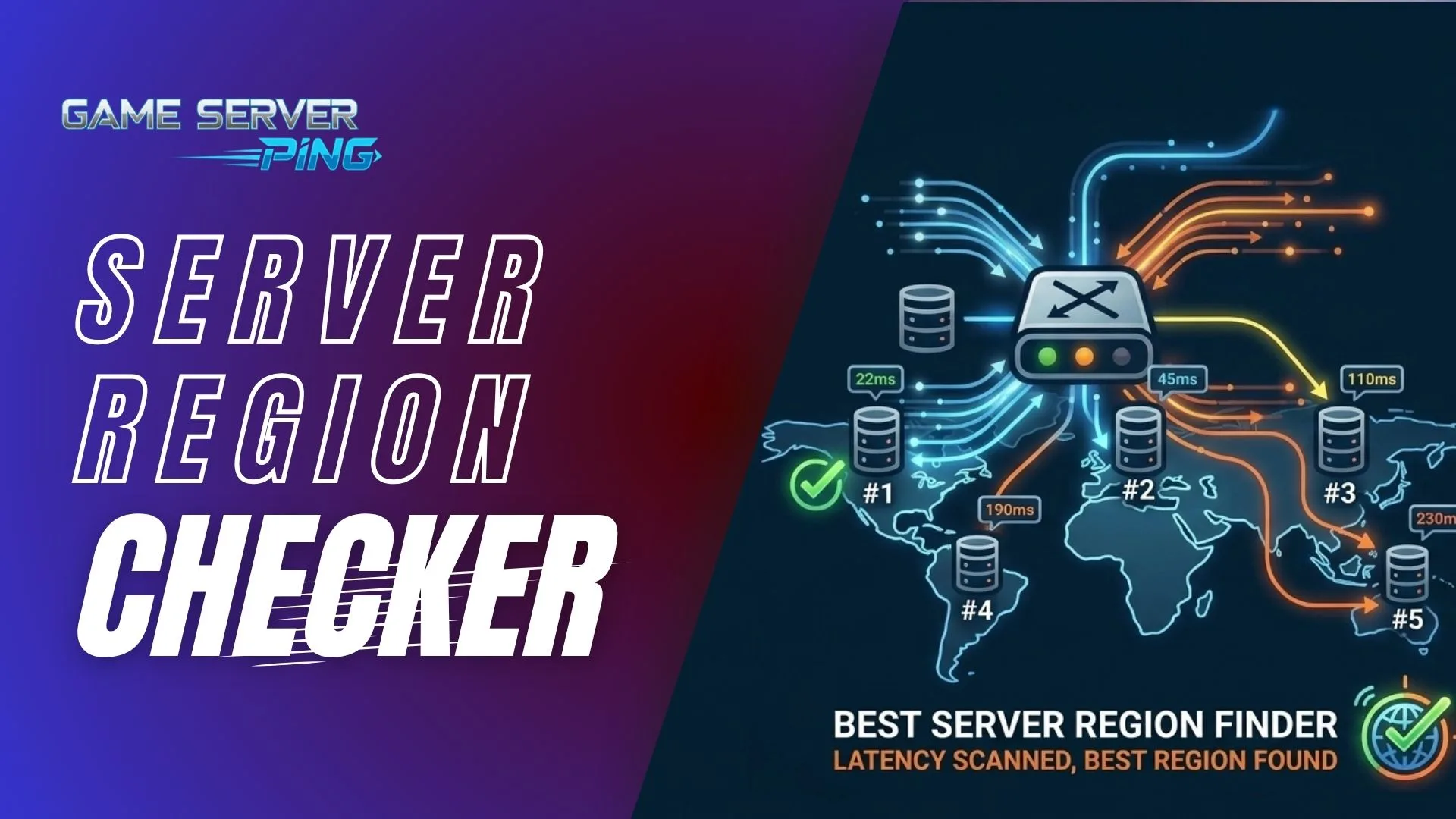
Sometimes the packet loss has nothing to do with your local connection at all. If you are connecting to a server region that is geographically far from your location or one that is experiencing high load, you will see elevated loss and jitter regardless of how clean your home network is. This is exactly why this tool tests all 20 regions at once — so you can clearly identify which region gives you the cleanest connection and switch to it before queuing for a match.
Packet Loss Test vs Ping Test — What Is the Actual Difference
This is the most common point of confusion for players diagnosing BF6 connection problems and the distinction matters more than most people realize.
A ping test measures round-trip latency — how long a single request takes to travel from your device to a server and back. One number in milliseconds. If that number is low the test passes. That is the complete picture a ping test gives you.
This BF6 packet loss checker measures something fundamentally deeper. It fires multiple sequential probes per region and tracks not just how long each one takes but whether it comes back at all and how consistent the timing is across the whole sequence. From that sequence it extracts three things a ping test simply cannot show: loss rate, jitter, and the pattern of failures.
The pattern is where the real diagnostic value lives. Random scattered loss throughout the test typically points to Wi-Fi interference or local network congestion. Clustered failures where several consecutive probes drop together usually signal a routing problem between your ISP and the game server. High jitter with low loss is almost always a wireless issue. Each pattern points to a completely different fix and none of it shows up in a basic ping result.
If you want a check that is not BF6-specific, the general packet loss test runs the same diagnostic against a broader set of global endpoints to help you understand whether the issue is isolated to Battlefield servers or affecting your whole connection. The live ping test is useful if you want to monitor latency behavior in real time during an active session rather than running a pre-game diagnostic.
How This BF6 Packet Loss Checker Works
This tool runs a live diagnostic from your browser to each of the 20 BF6 server regions. You choose how many probe packets to send per region — a 15-ping sweep gives you a quick read while 60 pings produces a deeper and more reliable result. You also set a timeout threshold that reflects how strict you want the test to be. The 200ms gaming timeout is the recommended default for most players since it closely reflects the point at which a delayed packet would start visibly affecting your gameplay.
Once you start the test it probes all 20 regions in parallel. As results come in each region card updates in real time showing average latency, packet loss percentage, and jitter for that specific location. The live latency graph plots every individual probe result so you can see whether loss is random and scattered or consistently clustered, which tells you very different things about the root cause.
Regions automatically re-sort by best ping as results complete so your closest and cleanest server rises to the top. When testing finishes a best-region banner highlights your optimal server with a full stat breakdown. If you want to focus purely on raw latency numbers without the packet health layer, the dedicated Battlefield 6 ping test gives you a focused per-region round-trip time read. Both tools work well together — use the ping test to find the fastest region and use this checker to confirm whether that connection is actually delivering clean packet flow.
Server Regions This Tool Tests
This packet loss test covers all major regions where Battlefield 6 runs active servers. North America is tested across Virginia, Ohio, California, and Oregon plus Montreal for Canadian players. Europe has the broadest coverage with nodes in Dublin, London, Paris, Frankfurt, and Stockholm. Asia-Pacific covers Tokyo, Seoul, Singapore, Sydney, and Jakarta. South America runs through São Paulo, the Middle East through Bahrain and UAE, India through Mumbai, and Africa through Cape Town.
That is 20 simultaneous probe points running at once, which gives you a genuine global picture of your connection health rather than just a result for whichever server happens to be geographically nearest to you.
How to Read Your Test Results
Each region card in this tool shows four values: average latency in milliseconds, packet loss percentage, jitter, and a color-coded score bar grading the connection health for that specific region. The overall Connection Grade at the bottom combines your best-performing region’s metrics into a single letter score. Here is what each grade means for your actual in-game experience.
| Grade | Packet Loss | Avg Ping | Jitter | In-Game Experience |
|---|---|---|---|---|
| A | Under 0.5% | Under 50ms | Under 10ms | Clean connection, consistent hit registration |
| B | Under 1% | 50 to 100ms | 10 to 25ms | Good, minor imperfections, most modes unaffected |
| C | 1 to 2% | 100 to 150ms | 25 to 40ms | Noticeable in fast combat, occasional stutter |
| D | 2 to 5% | 150 to 250ms | 40 to 60ms | Rubber-banding, desync, failed inputs |
| F | Over 5% | Over 250ms | Over 60ms | BF6 is essentially unplayable |
The BF6 Diagnosis section beneath the grade explains exactly what each metric is telling you — whether you need to address packet loss directly, reduce jitter, or simply switch to a better server region. If you have been seeing the BF6 packet loss icon appearing during matches this tool gives you the actual data to understand where the problem originates.
Best BF6 Server Regions by Player Location
If this packet loss test shows your nearest server is performing poorly here is a practical guide to fallback regions worth trying. One principle worth internalizing: if your nearest region shows clean packet delivery connect to it regardless of what the raw ping number looks like compared to another option. A 70ms connection with 0 percent loss will always outperform a 40ms connection with 3 percent loss in Battlefield 6. Packet health beats raw speed every time.
| Player Location | Primary Region | Best Fallback If Primary Has High Loss |
|---|---|---|
| Eastern US / Canada | NA East Virginia | NA East Ohio or Canada Montreal |
| Western US | NA West Oregon | NA West California |
| UK / Ireland | EU West London or Dublin | EU West Paris |
| Central / Eastern Europe | EU Central Frankfurt | EU North Stockholm or EU West Paris |
| Scandinavia | EU North Stockholm | EU Central Frankfurt |
| Middle East / Gulf | Middle East Bahrain or UAE | India Mumbai |
| South / Southeast Asia | SEA Singapore | Asia Tokyo or SEA Jakarta |
| Australia / New Zealand | Oceania Sydney | SEA Singapore |
| South America | South America São Paulo | NA East Virginia |
| Sub-Saharan Africa | Africa Cape Town | Middle East Bahrain |
How to Fix Packet Loss in Battlefield 6
If this tool is showing elevated loss or high jitter across your nearest regions, work through these steps before concluding the problem is on the server side.
- Switch to a wired connection. This is the single highest-impact change available to most players. Wi-Fi packet loss ranges from barely noticeable to catastrophic depending on your environment and is often intermittent, meaning it may not appear during a short test but consistently hits your connection during longer sessions.
- Restart your router and modem. Memory leaks and stale routing tables in consumer-grade routers are a real and underappreciated cause of gradual connection degradation. A clean restart often fixes packet loss that has appeared slowly over time with no obvious trigger.
- Eliminate background traffic. Streaming, large downloads, cloud backups, and automatic updates all compete directly with game packets. If your router supports QoS settings prioritize your gaming device to ensure game traffic is never queued behind anything else.
If none of those steps moves the needle and this packet loss test consistently shows high loss specifically to BF6 server regions rather than across all endpoints the problem is almost certainly in the routing path between your ISP and those server locations. Contacting your ISP with specific test data is far more effective than trying workarounds blindly. The results from this tool including region-specific loss rates, jitter readings, and timestamps give you exactly the concrete evidence an ISP support team needs to investigate a routing fault seriously.
Packet Loss Across the Battlefield Series — BF1, BF4, BF5, BF2042 and BF6
Packet loss has been a persistent issue across the Battlefield franchise for years and the complaints look nearly identical from one title to the next. Players dealing with Battlefield 2042 packet loss, Battlefield 4 packet loss, Battlefield 1 packet loss, or Battlefield V packet loss have all reported the same symptoms — rubber-banding, hit registration failures, the packet loss icon appearing mid-match, and connections that feel unstable even when the speed test looks fine.
The underlying cause in most cases has always been the same across every title. The issue is not the game itself but the network path between the player and the server. This means the diagnostic process for Battlefield 6 packet loss is essentially identical to how you would approach Battlefield 2042 packet loss or Battlefield 5 packet loss. If you moved to BF6 from an older title and you are still experiencing the same connection issues you had before, that is a strong signal the problem is on your network side rather than something specific to BF6.
Players who experienced high packet loss during the BF6 beta and are now playing the full release will find this tool especially useful. Beta server infrastructure is often less optimised than live servers, but if you had significant issues during the BF6 beta packet loss period it is worth running this test now to confirm whether things have improved on your specific routing path or whether the same region is still causing problems for you.
Why This Tool Gives You a More Accurate Picture Than Generic Checkers
Most generic network diagnostic tools test packet delivery to a single endpoint — usually a CDN node or DNS server close to your location. That tells you whether your internet connection is functioning in a general sense but it tells you nothing meaningful about how your connection behaves toward Battlefield 6 server infrastructure specifically. Routing paths, peering relationships, and server-side congestion all vary dramatically depending on the destination. A connection that shows zero loss to a nearby CDN can simultaneously experience 4 percent loss to a game server on a completely different network path.
This BF6 packet loss test checks against the actual server infrastructure that Battlefield 6 runs on across all 20 regions simultaneously. The results reflect the real network path your game traffic travels during a live match. When the test shows 0 percent loss and sub-50ms latency to EU West London that is a genuine signal your EU West experience should be clean. When it flags elevated loss to NA East that is an equally concrete signal that transatlantic sessions are going to feel inconsistent regardless of what your speed test reads.
The downloadable result card and built-in test history make it easy to compare results across different times of day which matters because network congestion is not constant. Running this test at 7pm versus 11am can reveal whether your BF6 packet loss is a persistent routing fault or a peak-hours congestion problem — two completely different root causes that require completely different solutions.
For players who manage dedicated game servers rather than just connecting to them the infrastructure side of packet delivery is a separate layer of the problem entirely. Understanding the real difference between game servers and game hosting matters when packet loss originates on the hosting side, and knowing when a VPS setup makes sense for low-latency server operations is equally relevant if you are looking to optimize the network path from the server end rather than the player end.
FAQs
Does packet loss in BF6 affect all players in the lobby or just me?
Packet loss is specific to your own connection path to the server. If other players in the same lobby are having a clean experience while you are rubber-banding or getting hit registration failures, the issue is entirely on your end or somewhere between your device and the server. The server itself sends data to each player independently, so your packet loss rate has no impact on what anyone else in the match is experiencing.
Can a VPN fix packet loss in Battlefield 6?
In some cases yes, but it depends entirely on what is causing the loss. If your ISP is taking a poor routing path to reach the BF6 server region you are connecting to, a VPN with optimised gaming routes can sometimes bypass that bad path and deliver cleaner packet delivery. However if the packet loss is coming from your local network, your Wi-Fi, or your home router, a VPN will not help at all and may actually make things worse by adding an extra hop. Running this packet loss test before and after enabling a VPN is the only reliable way to know whether it is making a genuine difference for your specific connection.
What is the acceptable packet loss percentage for playing BF6 competitively?
For casual play most players can tolerate up to 1 percent packet loss without noticing anything significant. For competitive or ranked play you want to be at 0.5 percent or below. Anything above 2 percent will start producing inconsistent hit registration and input delays that are noticeable in fast-paced combat. Above 5 percent the game becomes genuinely unreliable regardless of how good your raw ping looks.
Why does my packet loss only appear during BF6 matches and not before?
Game traffic behaves differently from a standard browser request or speed test. During an active BF6 match your connection is sending and receiving a sustained high-frequency stream of small packets continuously, which puts much more stress on your network path than a casual browsing session or a single speed test.
Issues like Wi-Fi congestion, router buffer overflows, and ISP throttling of gaming traffic only become visible under this kind of sustained load. This is why running a test like this one — which sends rapid sequential probes that closely mimic game traffic patterns — is far more likely to surface the real problem than any test that just measures a one-off download or upload speed.
Does server location affect packet loss or just ping?
It affects both, but not always in the way you would expect. A geographically distant server will almost always give you a higher ping, but packet loss is determined by the quality of the network path rather than the distance itself. It is entirely possible to have a clean 120ms connection to a server in Tokyo with 0 percent loss while experiencing 3 percent loss to a server in Frankfurt that should theoretically be much closer to you. This is why this tool tests all 20 regions simultaneously — because the best region for your connection is the one with the lowest packet loss and jitter, not necessarily the one with the lowest raw ping.