Now Reading: Can You Play GTA 6 on Xbox One? Cloud Gaming and Remote Play Explained
- 01
Can You Play GTA 6 on Xbox One? Cloud Gaming and Remote Play Explained
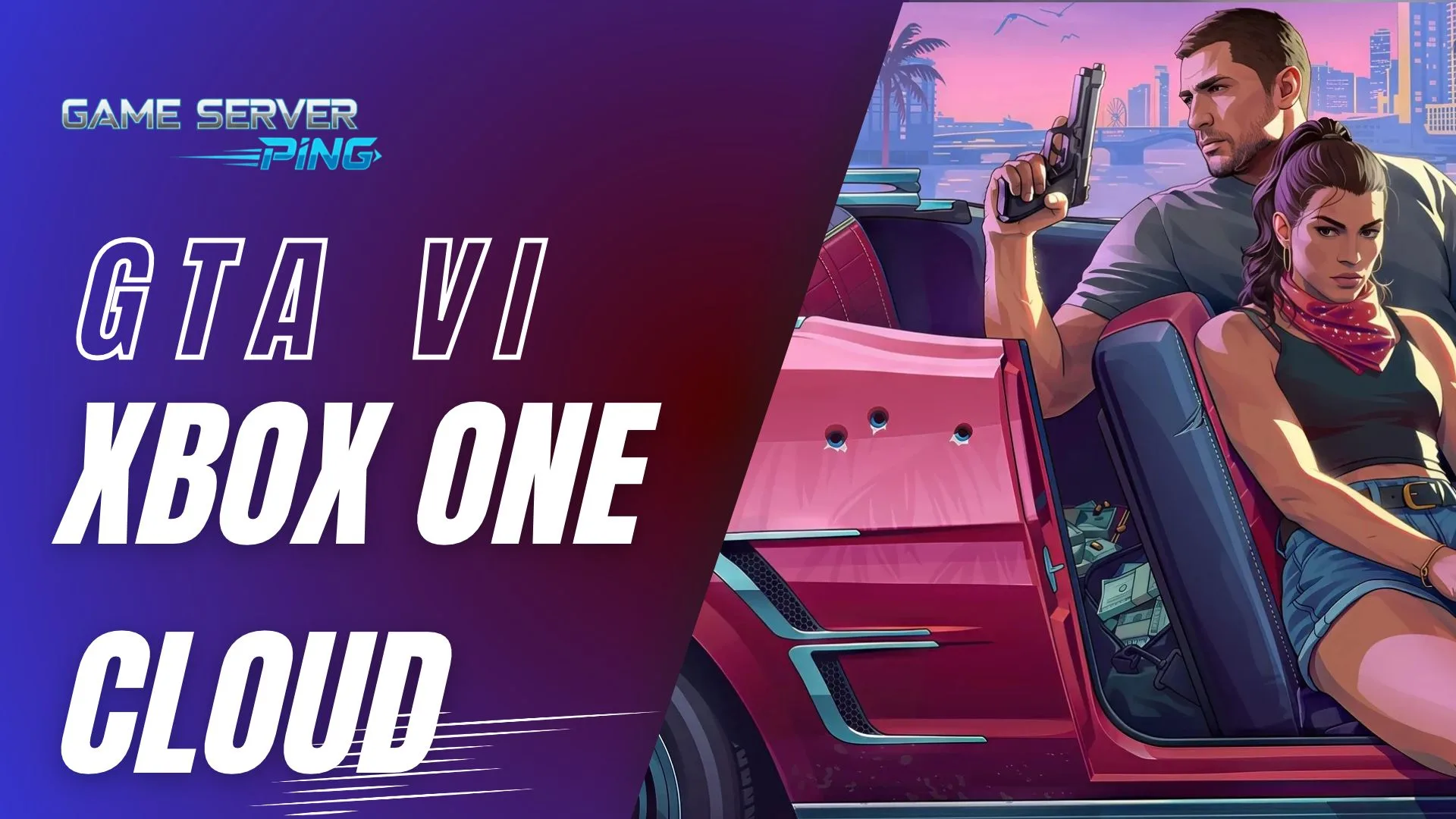

Can you play GTA 6 on Xbox One? Yes, but only through Xbox Cloud Gaming. There is no Xbox One version of GTA 6 to download. Instead, the game runs on Microsoft’s servers at Xbox Series S settings and streams to your Xbox One over the internet. You still need to buy GTA 6, you need a Game Pass plan with cloud gaming, and your monthly cloud playtime is limited. Your internet connection decides how good it looks and how laggy it feels.
GTA 6 on Xbox One: Quick Answers
| Question | Answer |
|---|---|
| Is there an Xbox One version of GTA 6? | No, only PS5, PS5 Pro and Xbox Series X|S |
| Can I play GTA 6 on Xbox One? | Yes, through Xbox Cloud Gaming |
| What quality does it stream at? | Xbox Series S settings |
| Do I need to buy GTA 6? | Yes, cloud gaming does not include the game |
| Can I stream GTA 6 to a PC from the cloud? | Not at launch. Cloud play is for Xbox consoles |
| Is there a time limit? | Yes, monthly cloud hours depend on your Game Pass plan |
How GTA 6 on Xbox One Works
Rockstar confirmed on November 10, 2026 that GTA 6 can be played through Xbox Cloud Gaming on Xbox Series X|S and Xbox One consoles, using Xbox Series S graphics settings. The Xbox One never runs the game itself. It sends your controller inputs to a cloud server, the server runs GTA 6, and a video of the game streams back to your TV.
Early hands on reports say it works better than many people expected, with visible compression in the picture but little noticeable delay on a good connection. The quality you get depends almost entirely on your internet speed, ping and Wi-Fi.
What You Need to Play GTA 6 on Xbox One
- A copy of GTA 6 on your Microsoft account. Cloud gaming lets you stream games you own, and GTA 6 is not part of the Game Pass library.
- A Game Pass plan with cloud gaming: Essential, Premium or Ultimate.
- A fast, stable connection. Microsoft’s minimum is 10 Mbps and it recommends 20 Mbps for consoles. A wired connection or 5 GHz Wi-Fi gives the best results.
- Cloud hours left for the month on your plan.
Xbox Cloud Gaming Time Limits
Since November 2026, Game Pass plans include a set number of cloud gaming hours each month. The hours reset every month and do not roll over.
| Game Pass plan | Cloud gaming per month |
|---|---|
| Game Pass Essential | 5 hours |
| Game Pass Premium | 10 hours |
| Game Pass Ultimate | 15 hours |
GTA 6 is a long game, so 15 hours a month will not last long if cloud is your only way to play. Many Xbox One owners use cloud play to start the story and then move to a PS5 or Xbox Series console later.
What Internet Speed Do You Need for GTA 6 Cloud Gaming?
Streaming GTA 6 needs a steady connection more than a very fast one. Speed sets the picture quality, while ping and jitter decide how responsive driving and shooting feel.
| Your connection | What to expect |
|---|---|
| Under 10 Mbps or ping over 100 ms | Likely to fail or be very blurry and laggy |
| 10 to 20 Mbps, ping 60 to 100 ms | Playable, but blurry in busy scenes with some delay |
| 20 Mbps or more, ping 30 to 60 ms | Good, the setup Microsoft recommends for consoles |
| 50 Mbps or more, ping under 30 ms, jitter under 10 ms | Best, sharp picture and very little delay |
These ranges are our guide based on Microsoft’s minimum and recommended speeds and how game streaming behaves. Other people using your internet at the same time count too, so add their usage on top. For full speed targets for downloading and streaming GTA 6, see best internet speed for GTA 6.
How to Test Your Connection Before You Play
- Run our WiFi speed test from the spot where your Xbox One sits. It shows download speed, ping and jitter, and compares Wi-Fi with a cable.
- Run our packet loss test. Even 1% packet loss causes stutter and blocky video in cloud games.
- Check your bufferbloat with our bufferbloat test. A poor grade means lag spikes when someone else at home starts a download or a video.
- On the Xbox One, go to Settings › General › Network settings › Test network speed and statistics for a quick check on the console itself.
How to Fix GTA 6 Cloud Gaming Lag on Xbox One
- Use an Ethernet cable. This is the single biggest fix for cloud gaming. It removes Wi-Fi jitter and dropouts.
- Use 5 GHz Wi-Fi if a cable is not possible, and move the router closer to the console or add a mesh point.
- Stop other heavy use such as 4K streaming, downloads and cloud backups while you play.
- Play outside peak hours if evenings are laggy, because both home networks and cloud servers are busier then.
- Restart your router and console before a long session.
- Turn on your TV’s game mode to cut display delay, which adds to cloud latency.
- Avoid VPNs, which add distance and delay to every frame.
Cloud Gaming vs Remote Play for GTA 6
GTA 6 also supports Remote Play on both PlayStation and Xbox. They sound similar but work differently.
| Xbox Cloud Gaming | Remote Play | |
|---|---|---|
| Where the game runs | On Microsoft’s servers | On your own PS5 or Xbox Series console |
| Do you need a new console? | No, works on Xbox One | Yes, you need a PS5 or Xbox Series X|S at home |
| Where you can play | Xbox One and Xbox Series X|S | Phones, tablets, PCs and PlayStation Portal |
| Monthly time limit | Yes, set by your Game Pass plan | No |
| What affects quality | Your internet to the cloud server | Your home network, and your upload speed when away from home |
For Remote Play, your console must stay on or in Rest Mode or Sleep with remote features turned on. At home on the same network it usually works best, because the stream never leaves your house. Away from home, your home upload speed becomes the limit, so test it with our internet speed test for online gaming.
Will GTA 6 Ever Come to Xbox One or PS4?
There is no Xbox One or PS4 release date for GTA 6, and Rockstar has given no sign that one is planned. The game was built for the PS5 and Xbox Series X|S, and even the PS5 Pro tops out at 30 FPS, so the much older Xbox One and PS4 hardware could not run it natively. Cloud gaming is the only way to play GTA 6 on Xbox One, and there is no PS4 option at all.
Is GTA 6 on Xbox One Worth It?
If you do not have a current generation console, cloud gaming is the cheapest way to play GTA 6 today, and on a good wired connection it is a solid experience. The trade offs are the Series S level picture, video compression, the monthly hour limit and a small amount of extra delay. If you plan to play the full story, a PS5, PS5 Pro or Xbox Series console will give you a sharper and more responsive game. Compare them in our GTA 6 FPS on PS5, PS5 Pro and Xbox guide.
Cloud gaming details are based on Rockstar’s and Microsoft’s announcements and can change. Game Server Ping is not affiliated with Rockstar Games or Microsoft.
GTA 6 Xbox One and Cloud Gaming FAQ
Can you play GTA 6 on Xbox One?
Yes, through Xbox Cloud Gaming only. There is no Xbox One version to download. The game streams from Microsoft’s servers at Xbox Series S settings.
Is GTA 6 coming out on Xbox One or PS4?
No. GTA 6 was released only on PS5, PS5 Pro and Xbox Series X|S. Xbox One owners can stream it with Xbox Cloud Gaming, and there is no PS4 option.
Do I need to buy GTA 6 to play it on Xbox Cloud Gaming?
Yes. GTA 6 is not included in Game Pass. You need to own the game and have a Game Pass plan that includes cloud gaming.
How many hours of cloud gaming do I get?
Game Pass Essential includes 5 hours a month, Premium 10 hours and Ultimate 15 hours. Hours reset monthly and do not roll over.
What internet speed do I need for GTA 6 cloud gaming?
Microsoft’s minimum is 10 Mbps and it recommends 20 Mbps for consoles. A ping under 60 ms, low jitter and a wired connection give the best experience.
Why is GTA 6 cloud gaming laggy?
Usually Wi-Fi, high ping, packet loss or other devices using the internet. Use an Ethernet cable, pause other streams and downloads, and test your connection for jitter and packet loss.
Can I play GTA 6 on PC with cloud gaming?
Not at launch. Xbox Cloud Gaming for GTA 6 is available on Xbox One and Xbox Series X|S consoles only. Remote Play from your own console to a PC is supported.
Does GTA 6 support Remote Play?
Yes. GTA 6 supports Remote Play on PlayStation and Xbox, so you can stream it from your own console to a phone, tablet, PC or PlayStation Portal.
Related Posts
Previous Post
Next Post