Now Reading: Is 30 ms Ping Good? Yes, Here’s How It Plays per Game
- 01
Is 30 ms Ping Good? Yes, Here’s How It Plays per Game

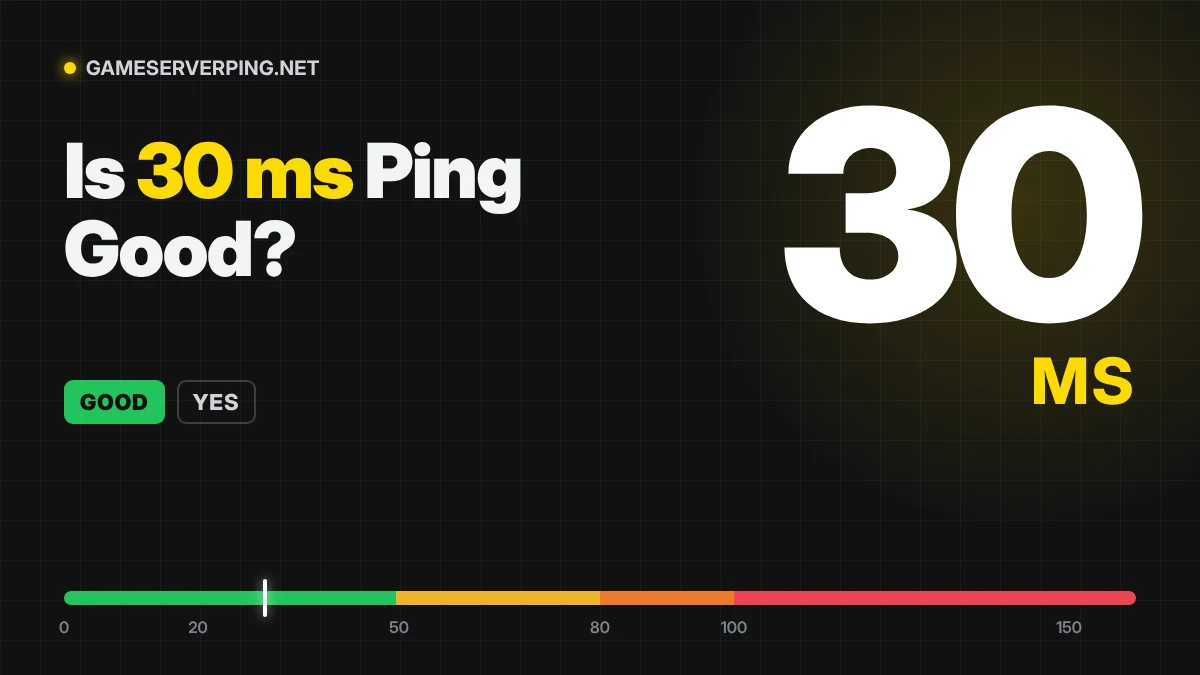

30 ms ping means your data makes the round trip to the server in 0.03 seconds. It's what most players on a good fibre or cable line get to the nearest regional server.
At 30 ms you can play anything comfortably. In the most demanding shooters you are a few milliseconds behind someone on 10 ms, but it's not enough to decide fights.
Is 30 ms ping good for your game?
Here’s what 30 ms means in each game. “Updates” is how many server ticks pass during one round trip at 30 ms, based on commonly reported tick rates. The fewer updates you’re behind, the closer the server’s view of the game is to yours.
| Game | Server tick rate · updates per round trip | Ideal ping | At 30 ms |
|---|---|---|---|
| Valorant (Competitive FPS) | 128 Hz · 3.8 updates | Under 30 ms | Great |
| Counter-Strike 2 (Competitive FPS) | 64 Hz · 1.9 updates | Under 30 ms | Great |
| Rainbow Six Siege (Tactical FPS) | 64 Hz · 1.9 updates | Under 40 ms | Great |
| Overwatch 2 (Hero shooter) | 64 Hz · 1.9 updates | Under 40 ms | Great |
| Fortnite (Battle royale) | 30 Hz · under 1 update | Under 50 ms | Great |
| Apex Legends (Battle royale) | 20 Hz · under 1 update | Under 50 ms | Great |
| Warzone (Battle royale) | 20 Hz · under 1 update | Under 50 ms | Great |
| League of Legends (MOBA) | 30 Hz · under 1 update | Under 50 ms | Great |
| Rocket League (Sports) | 60 Hz · 1.8 updates | Under 40 ms | Great |
| FC 26 (Sports) | Not published | Under 50 ms | Great |
| Helldivers 2 (Co-op) | Not published | Under 80 ms | Great |
| GTA Online (Open world) | Not published | Under 80 ms | Great |
| Roblox (Sandbox) | Not published | Under 80 ms | Great |
What 30 ms ping feels like
30 ms is about four frames at 144 fps. In Valorant's 128 tick servers, that's roughly four server updates for a full round trip, and in Apex Legends, which runs at about 20 ticks, it fits inside a single update. Shots register when you expect them to, and movement feels instant. Players usually start to notice delay only above 50 to 60 ms.
30 ms in frames
| Monitor refresh | 30 ms equals |
|---|---|
| 60 fps (16.7 ms per frame) | 1.8 frames |
| 120 fps (8.3 ms per frame) | 3.6 frames |
| 144 fps (6.9 ms per frame) | 4.3 frames |
| 240 fps (4.2 ms per frame) | 7.2 frames |
Ping is a round trip. Your action takes roughly half of it, about 15 ms, to reach the server. Against an opponent on 10 ms, you are about 10 ms behind each way, or 1.4 frames at 144 fps.
How far away is a 30 ms server?
Light in fibre covers about 200 km per millisecond, so a round trip of 30 ms limits the server to about 3,000 km away in a perfect straight line. Real routes are longer and pass through routers, so in practice 30 ms usually means a server within about 1,687 km.
| Route | Distance | Typical ping |
|---|---|---|
| London to Stockholm | 1,433 km | about 30 ms |
| Dallas to Los Angeles | 1,991 km | about 33 ms |
| Seattle to Los Angeles | 1,546 km | about 27 ms |
Typical ping is the commonly observed round trip between these cities. Undersea cables and routing make some long routes faster or slower than distance alone suggests.
Which internet connections get 30 ms?
| Connection | Typical ping to a nearby server | Can it reach 30 ms? |
|---|---|---|
| Fibre (FTTH) | 3–15 ms | Yes, usually lower than this |
| Cable | 10–30 ms | Typical result |
| DSL / VDSL | 15–45 ms | Typical result |
| 5G home internet | 20–50 ms | Typical result |
| 4G mobile | 30–70 ms | Typical result |
| Starlink | 25–60 ms | Typical result |
| Geostationary satellite | 550–700 ms | Rarely this low |
30 ms is only part of the story
A steady 30 ms feels very different from a 30 ms that keeps jumping around or drops packets. Here’s how 30 ms feels with different jitter and packet loss.
| 0% loss | 1% loss | 3% loss | |
|---|---|---|---|
| Jitter 3 ms | Smooth | Good | Noticeable lag |
| Jitter 15 ms | Good | Noticeable lag | Laggy |
| Jitter 35 ms | Noticeable lag | Noticeable lag | Laggy |
If your ping looks fine but games still lag, run a 60 second packet loss test and a bufferbloat test.
How to lower your ping from 30 ms
- Check you’re on the nearest server region. Use the server region finder to compare 20 regions.
- Switch to an Ethernet cable if you’re on Wi-Fi.
- Pause downloads, cloud backups and 4K streams on your network while playing.
- Changing DNS won’t lower in game ping. It only affects how fast websites start loading.
- If 30 ms stays high on cable, ask your ISP about routing to your game’s data centre.
Compare 30 ms with other ping values
| Ping | Rating | Difference |
|---|---|---|
| Is 10 ms ping good? | Excellent | -20 ms vs 30 ms |
| Is 20 ms ping good? | Excellent | -10 ms vs 30 ms |
| Is 40 ms ping good? | Good | +10 ms vs 30 ms |
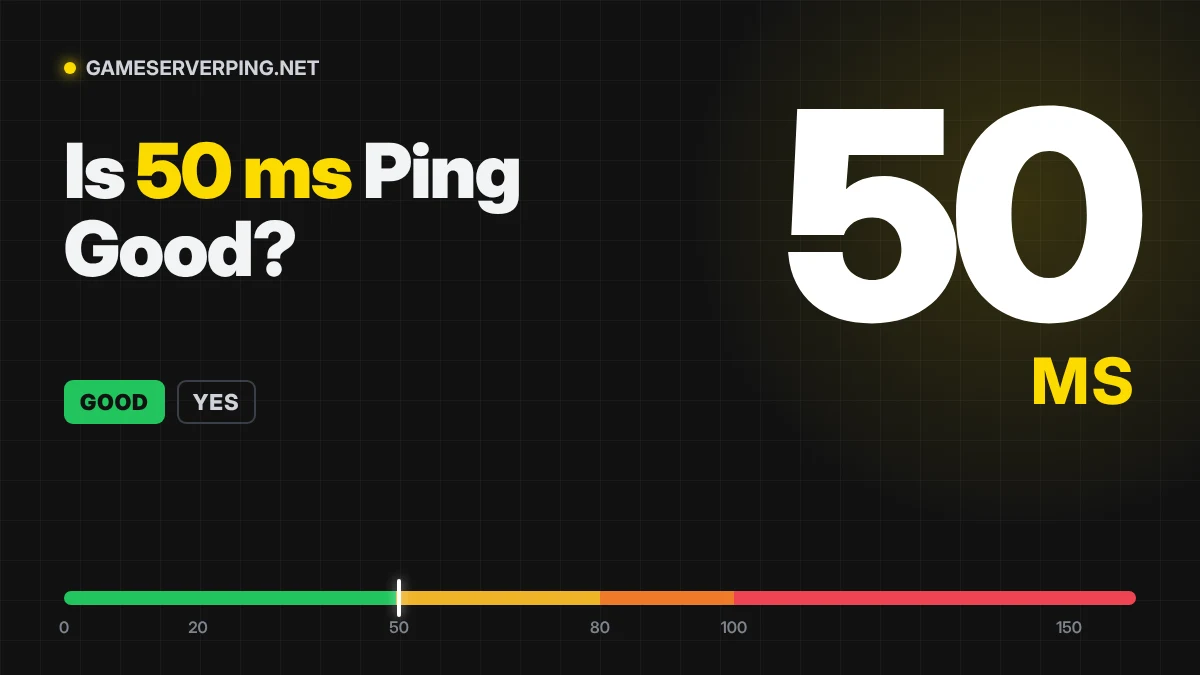
| Is 50 ms ping good? | Good | +20 ms vs 30 ms |
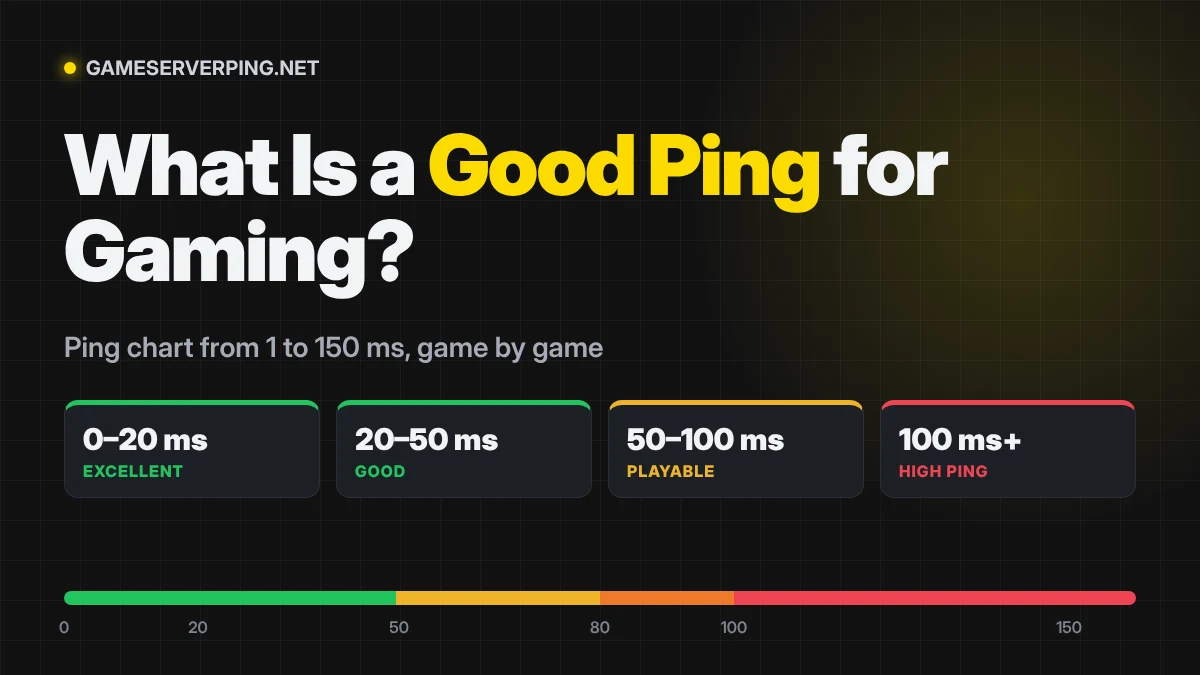
See every value side by side in the ping chart from 1 to 150 ms, or test your own ping.
Frequently asked questions
Is 30 ms ping good for Valorant?
Yes. It’s under the 35 ms Riot has given as its goal for most Valorant players, so peeks and trades feel fair.
Is 30 ms good for PS5 and Xbox?
Yes. Console games like Warzone, Fortnite and FC 26 play smoothly at 30 ms. Use a cable if your console is on Wi-Fi to keep jitter low.
Why is my ping 30 ms when my friend gets 10 ms?
Usually distance to the server, your ISP’s routing or Wi-Fi. Run the test on this page to see which region is fastest from your connection.
Related Posts
Previous Post
Next Post