Now Reading: What Is a Good Ping for Gaming? Ping Chart 1 to 150 ms
- 01
What Is a Good Ping for Gaming? Ping Chart 1 to 150 ms

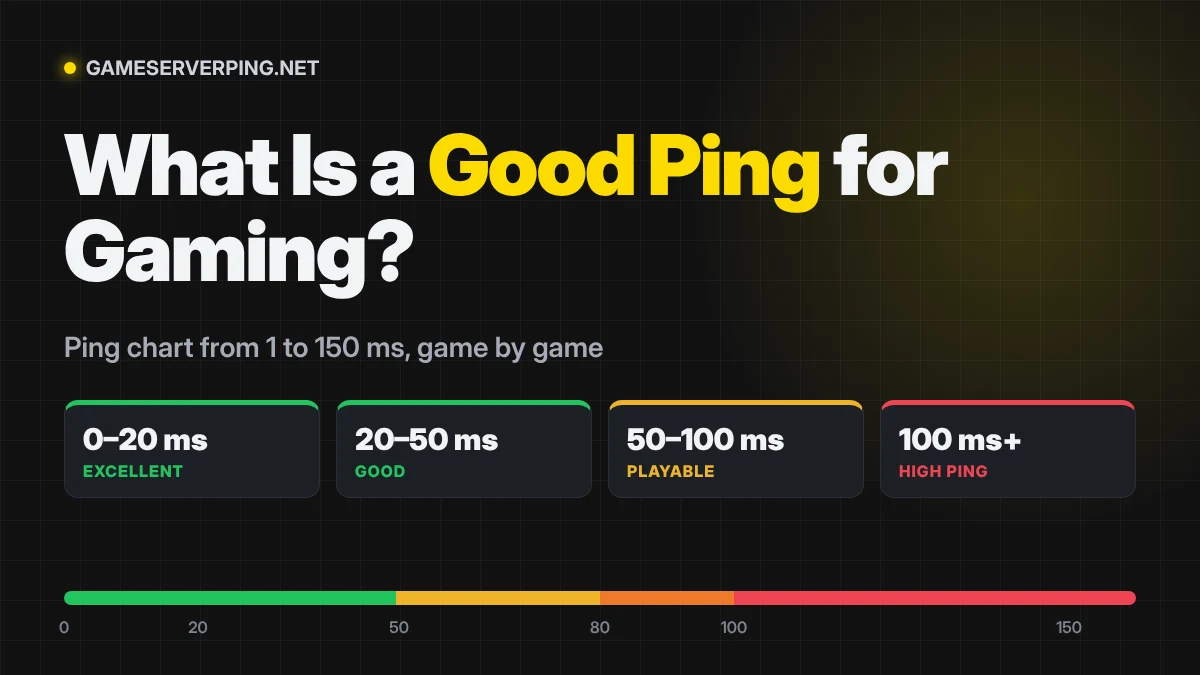

A good ping for gaming is under 50 ms. Under 20 ms is excellent and gives you no disadvantage in any game. Between 50 and 100 ms is playable, but competitive shooters start to feel it. Above 100 ms, most fast online games feel laggy.
Ping is a round trip, so it depends mostly on how far you are from the game server and how your internet provider routes your data. Faster download speed does not lower ping on its own.
Ping chart: is your ping good?
Pick your ping for a full breakdown: what it means in each game, in frames and server updates, how far away the server is, and how to improve it.
| Ping | Rating | What it means |
|---|---|---|
| 1 ms | Excellent | 1 ms is as good as ping gets, but you will almost never see it to a real game server. |
| 5 ms | Excellent | 5 ms is excellent and better than most players will ever get to a game server. |
| 10 ms | Excellent | 10 ms is excellent, the kind of ping pro players and LAN setups aim for. |
| 20 ms | Excellent | 20 ms is excellent and ideal for ranked play in every game. |
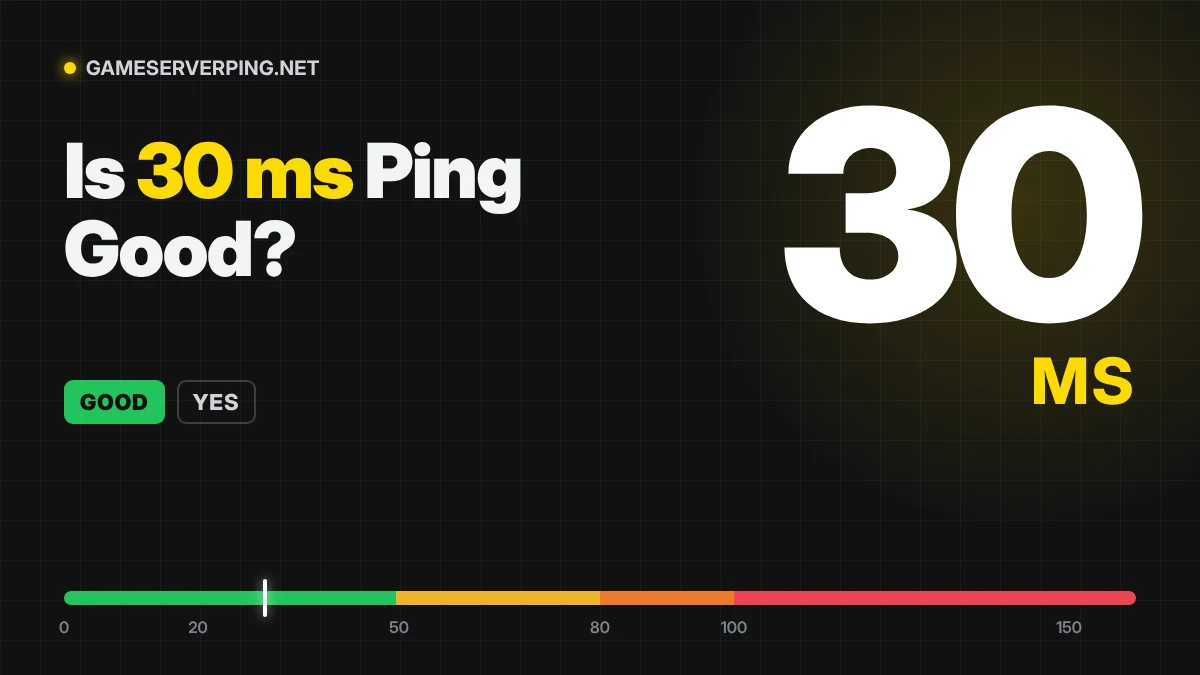
| 30 ms | Good | 30 ms is good for every game, including ranked shooters. |
| 40 ms | Good | 40 ms is good and plays smoothly, even in ranked shooters. |
| 50 ms | Good | 50 ms is good for most games and the upper limit for competitive shooters. |
| 60 ms | Playable | 60 ms is fine for most games, but you’ll feel it in fast competitive shooters. |
| 80 ms | Playable | 80 ms is fine for casual games but weak for ranked shooters. |
| 100 ms | Borderline | 100 ms is bad for shooters but still OK for MMOs and casual play. |
| 120 ms | High | 120 ms is high ping and causes lag in most online games. |
| 150 ms | High | 150 ms is too high for most online games, except slower MMOs and strategy games. |
Good ping by game
| Game | Ideal ping | Still playable | Server tick rate |
|---|---|---|---|
| Valorant (Competitive FPS) | Under 30 ms | Up to 60 ms | 128 Hz |
| Counter-Strike 2 (Competitive FPS) | Under 30 ms | Up to 60 ms | 64 Hz |
| Rainbow Six Siege (Tactical FPS) | Under 40 ms | Up to 70 ms | 64 Hz |
| Overwatch 2 (Hero shooter) | Under 40 ms | Up to 80 ms | 64 Hz |
| Fortnite (Battle royale) | Under 50 ms | Up to 80 ms | 30 Hz |
| Apex Legends (Battle royale) | Under 50 ms | Up to 80 ms | 20 Hz |
| Warzone (Battle royale) | Under 50 ms | Up to 80 ms | 20 Hz |
| League of Legends (MOBA) | Under 50 ms | Up to 100 ms | 30 Hz |
| Rocket League (Sports) | Under 40 ms | Up to 80 ms | 60 Hz |
| FC 26 (Sports) | Under 50 ms | Up to 100 ms | Not published |
| Helldivers 2 (Co-op) | Under 80 ms | Up to 150 ms | Not published |
| GTA Online (Open world) | Under 80 ms | Up to 150 ms | Not published |
| Roblox (Sandbox) | Under 80 ms | Up to 150 ms | Not published |
Tick rates are commonly reported figures. CS2 uses sub-tick updates on a 64 tick base.
Typical ping by connection type
| Connection | Typical ping to a nearby server |
|---|---|
| Fibre (FTTH) | 3–15 ms |
| Cable | 10–30 ms |
| DSL / VDSL | 15–45 ms |
| 5G home internet | 20–50 ms |
| 4G mobile | 30–70 ms |
| Starlink | 25–60 ms |
| Geostationary satellite | 550–700 ms |
Ping, jitter and packet loss
Ping is only one part of a good connection. Jitter is how much your ping changes from moment to moment, and should stay under 10 ms. Packet loss is data that never arrives, and should be 0%. A steady 60 ms often feels better than a 30 ms that jumps to 90 or drops packets.
Check both with the packet loss test and the bufferbloat test, and find your lowest ping region with the server region finder.
Frequently asked questions
What is a good ping for gaming?
Under 50 ms is good for almost every online game, and under 20 ms is excellent. Above 100 ms most fast games start to feel laggy.
Is lower ping always better?
Yes, but the benefit shrinks. Going from 100 ms to 50 ms is a big improvement. Going from 10 ms to 5 ms is almost impossible to notice.
What is a bad ping?
Anything over 100 ms is bad for shooters, fighting games and racing games. Over 150 ms is too high for most online games.
What does ms mean in ping?
Milliseconds. Ping measures how many thousandths of a second data takes to reach the server and come back.
Does faster internet speed lower ping?
Not directly. Download speed (Mbps) and ping (ms) are different. Distance to the server, routing, Wi-Fi and network congestion decide your ping.
Previous Post
Next Post